

主题
Codex中使用
安装包下载
Windows x64: https://codexapp.agentsmirror.com/latest/win-x64
Windows ARM64: https://codexapp.agentsmirror.com/latest/win-arm64
Apple Silicon Mac: https://codexapp.agentsmirror.com/latest/mac-arm64
Intel Mac: https://codexapp.agentsmirror.com/latest/mac-intel
安装
PowerShell
npm i -g @openai/codex --registry=https://registry.npmmirror.com/安装完成后验证
使用
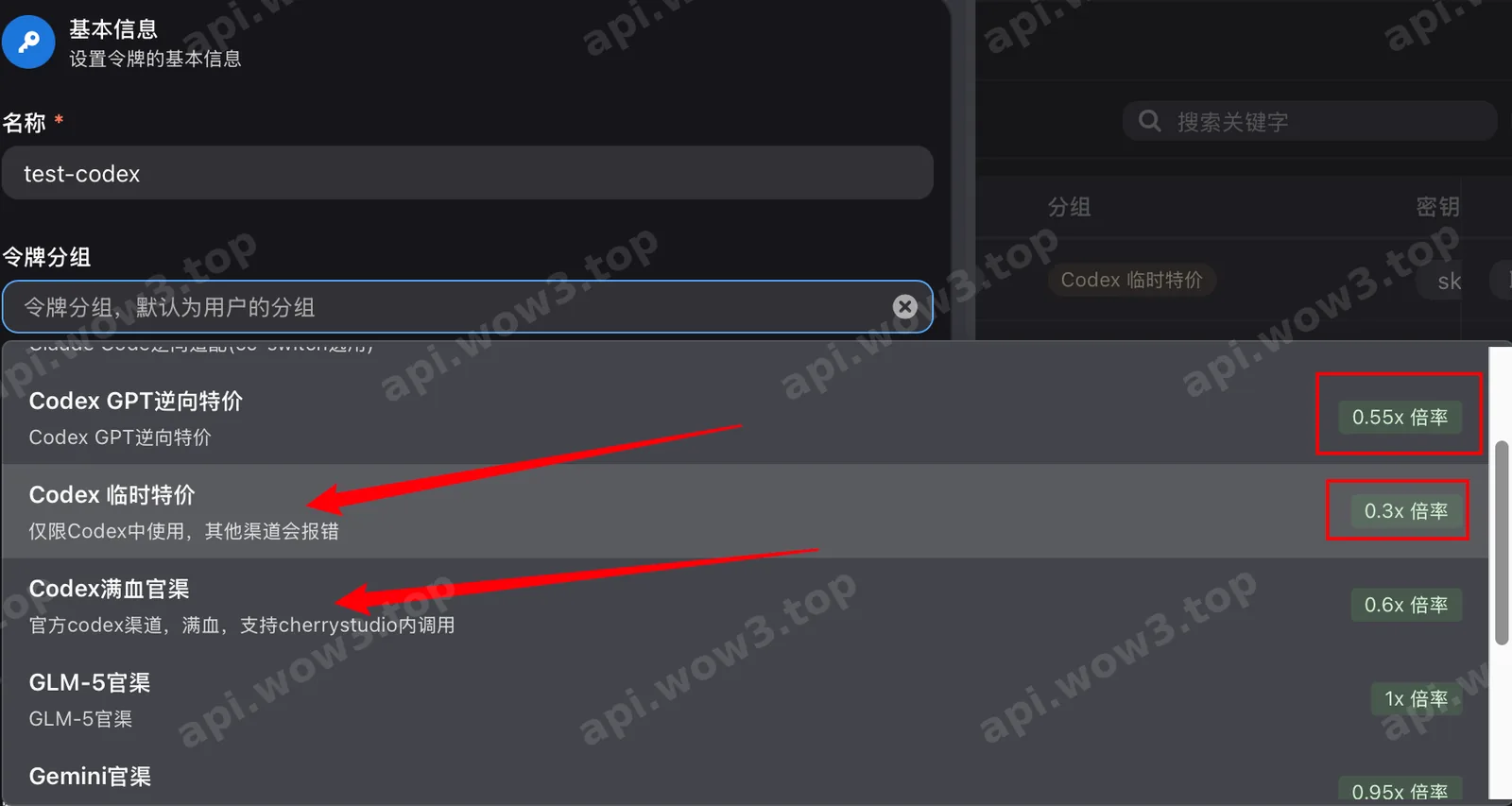
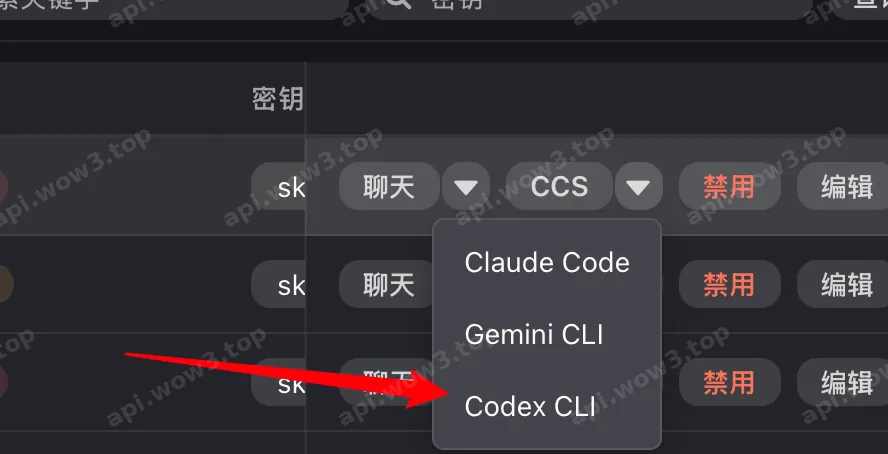
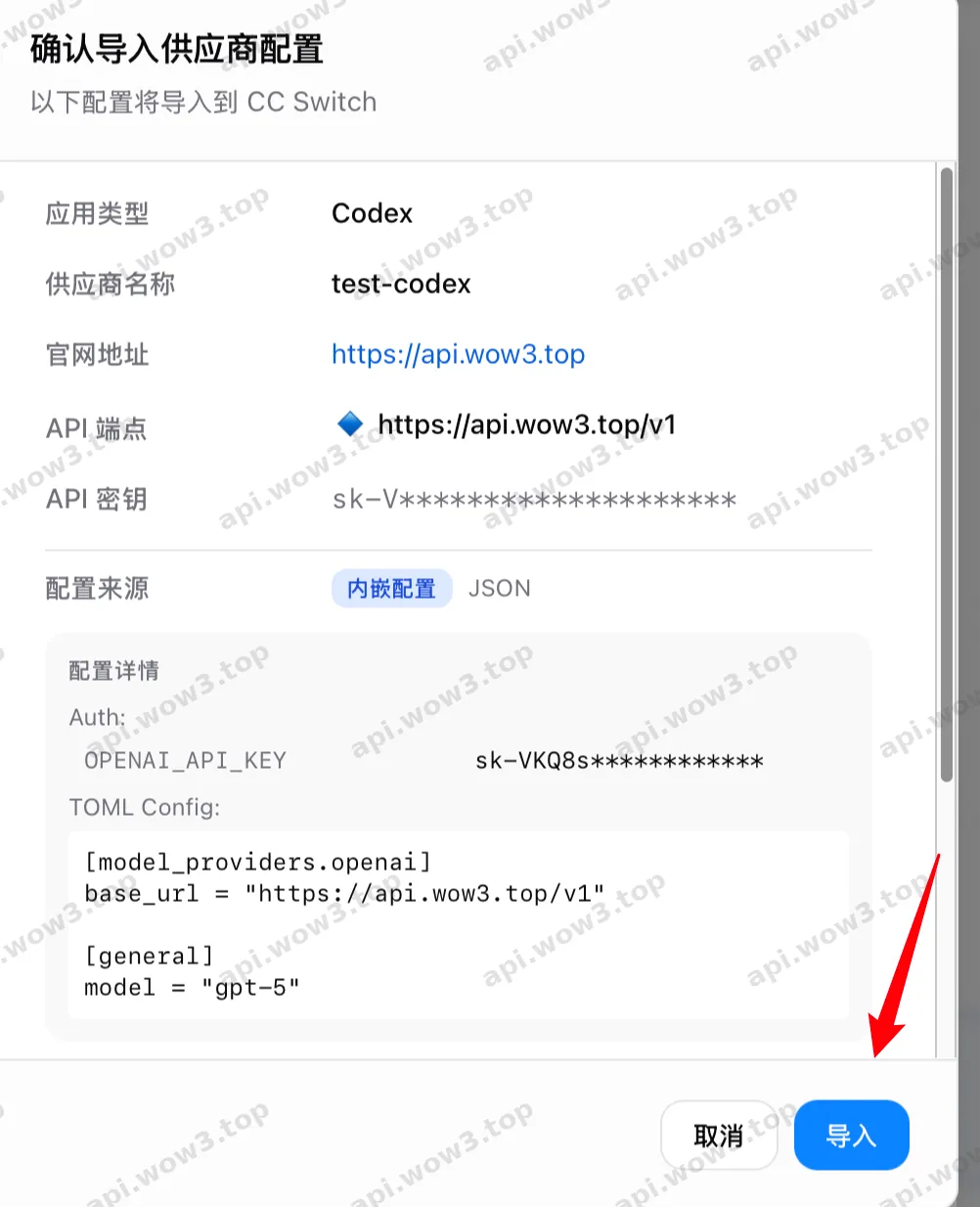

启用渠道后,命令行中运行
PowerShell
codex
继续
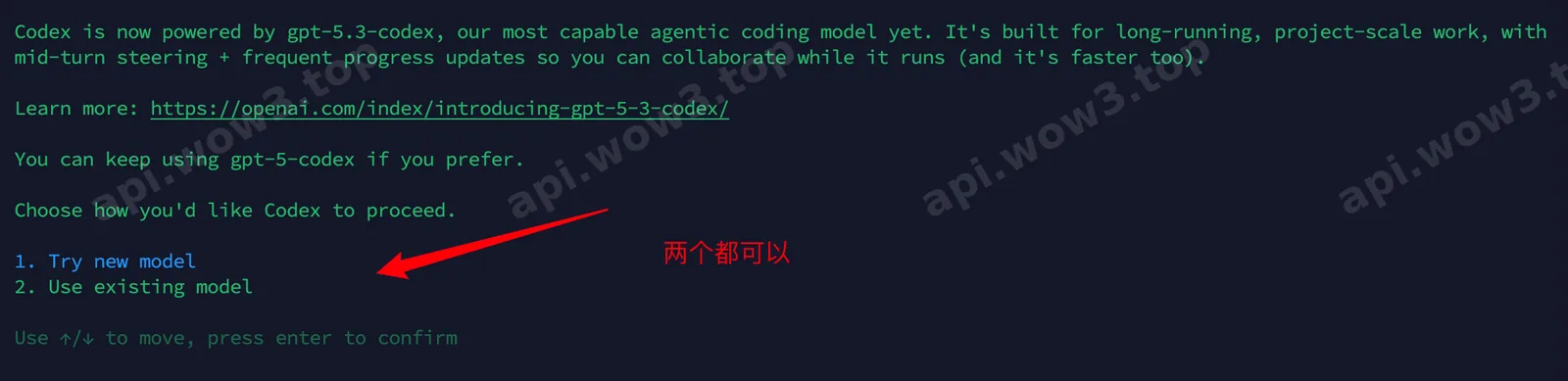
选择模型

/model 切换模型

选择模型
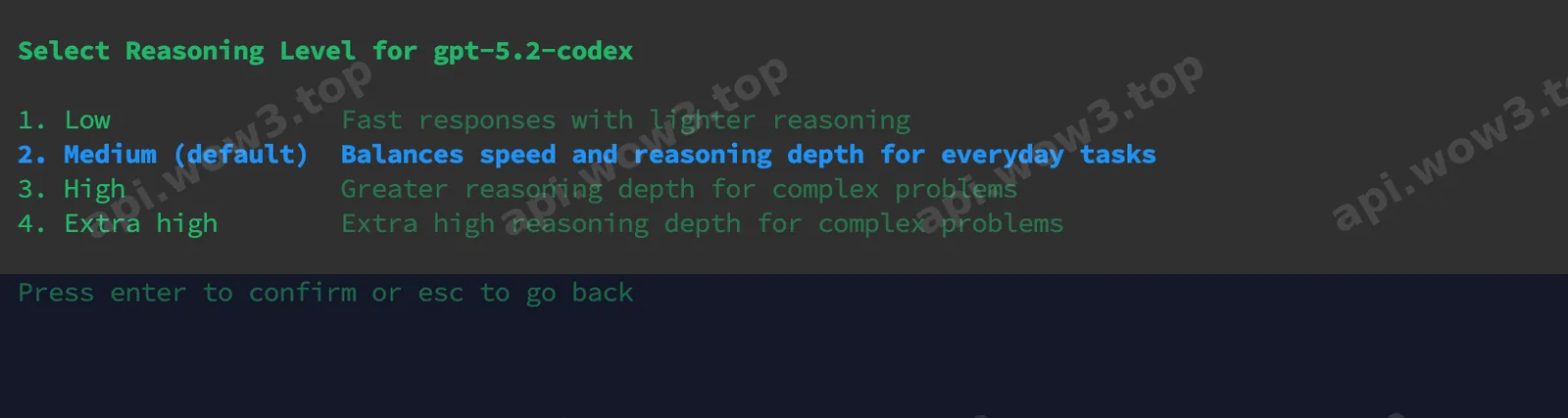
选择思考强度
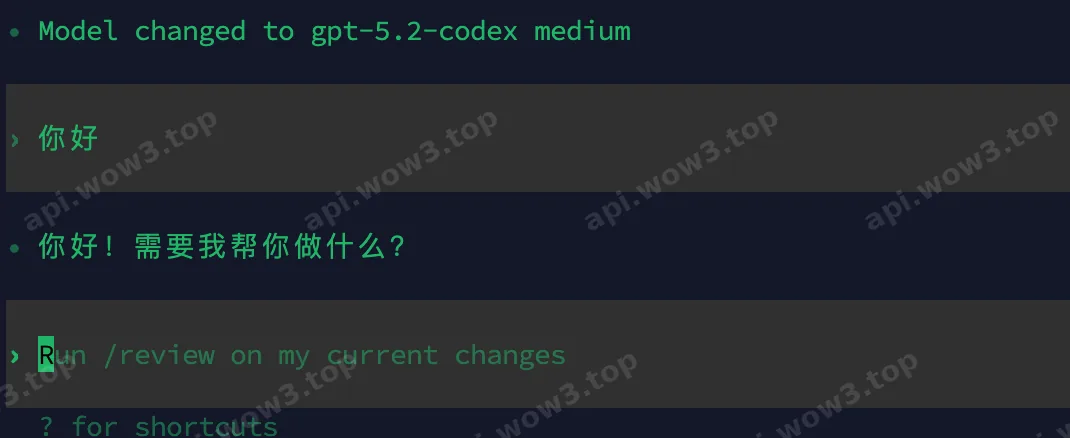
测试